On a listing with several selectors, Add to cart can remain unready until every required option has a value. Choosing a length is not the same as choosing a complete product combination. Check the empty fields before treating the button as evidence of a payment problem or a sold-out item.
Consider a hypothetical buyer who opens a tail-set page, chooses a length and then expects the purchase control to be ready. Two other fields still say Choose an option. The missing information is a product choice, not a reason to enter payment details or repeatedly press the button.
Read every selector, not only the first one
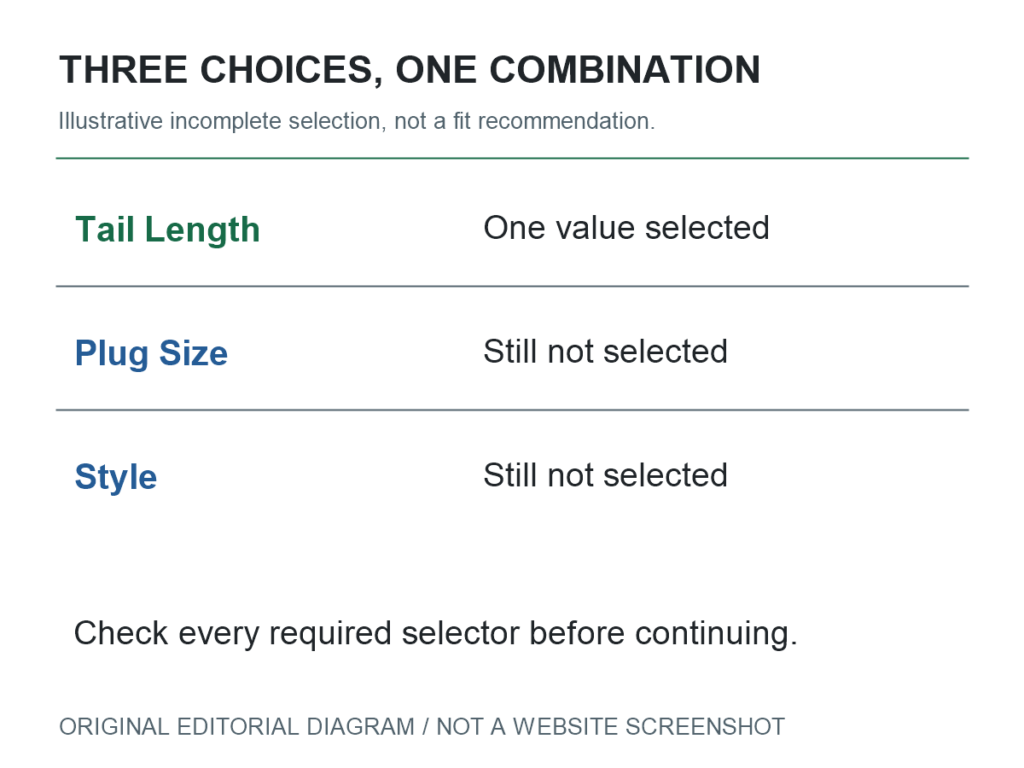
The Sugar Noir Plush Tail Set listing separates Tail Length, Plug Size and Style. When checked on 31 October 2026, all three initially displayed Choose an option. Selecting a tail length alone left the selection incomplete; choosing a value in each field made the purchase control ready.
That check involved selecting existing labels, not adding the item or placing an order. It does not recommend a particular fit or combination. Read each label independently: a tail-length choice does not also choose the other size field, and neither field chooses the style.

Separate an empty choice from an availability message
A field still showing Choose an option means that choice has not been made. An explicit notice that a combination is unavailable is different information. Read the exact message and the current selections rather than treating every unready button as the same problem.
The listing currently includes Standard and Electric style labels. These names do not explain unlisted components or functionality. Choose only an option you actually want; do not pick an arbitrary value merely to make the button available. If the desired combination cannot be selected, ask about that existing listing instead of assuming another combination is equivalent.

Review the completed choice before continuing
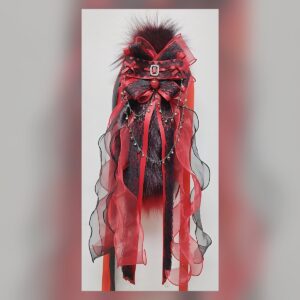
Once all fields have values, read them together with the displayed price and intended quantity. A completed selection identifies a particular combination; it does not confirm an unlisted material, included accessory or delivery date. The product photograph identifies the design, not a guarantee that it illustrates every selectable combination.
The before-you-order checklist keeps those separate questions visible. This product is listed as made to order, so confirm production timing independently. ShuoMu Atelier offers published designs and listed variants only. A message or checkout note cannot request a different size, material, engraving or redesigned version.

If all fields are filled and the page still stalls
Record the product name, selected labels and exact visible message. If you send a screenshot, leave out unrelated tabs, addresses and private account details. Use the product and existing-order contact page to describe what did not respond. You do not need to provide a card number to explain a selection issue.
An unresponsive page should not be diagnosed from the button alone. If you refresh, check the selectors again rather than assuming the earlier choices survived. If you had already attempted to add the item, review the cart before repeating that action so an uncertain response does not become an unintended extra quantity.
Complete the choices you genuinely intend, then review what the page confirms. A ready button is an opportunity to continue, not an obligation to buy.
Product & Order Questions
Questions about a listed product or an existing order? Contact ShuoMu Atelier on WhatsApp.
WhatsApp: +63 965 401 5278