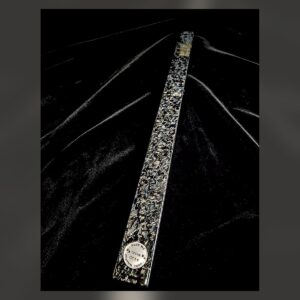
A private purchase does not stay private merely because the parcel is plain. A message preview can reveal a shop name or product detail before anyone opens the conversation.
Imagine a hypothetical buyer leaving a phone beside a shared computer. A reply to a product question arrives while someone else is nearby. The buyer has protected the delivery address from public view, but the notification shows enough of the reply to reveal the subject. This is not a story about a ShuoMu customer; it is a reason to consider the screen as well as the parcel.
Check the screen that will receive the reply
Before starting an enquiry, consider where incoming messages may appear: the phone’s lock screen, a desktop notification or a linked device. Review the preview settings available on your own devices. The controls differ between applications, so test what actually appears rather than assuming that a locked screen hides every detail.
You can use an ordinary, non-sensitive message for that test. There is no need to send a product photograph or personal explanation to check whether notification text is visible. A private conversation also deserves a device and account you are entitled to use; do not change another adult’s settings without permission.

Start with the specification, not the backstory
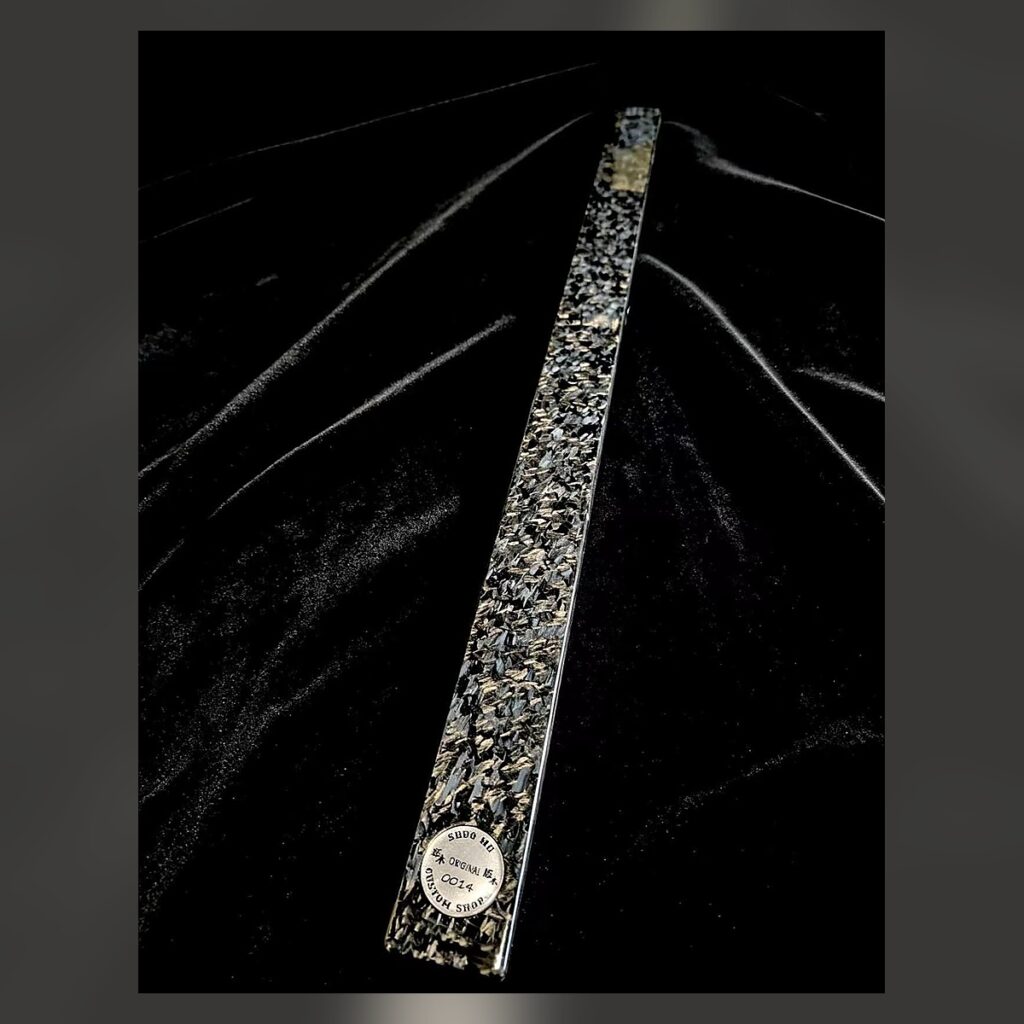
A useful first question can be very small. The Forged Carbon Ruler page lists carbon fiber and stainless steel hardware, with dimensions of 45 by 3 by 0.8 centimetres. If a listed measurement needs explanation, ask which part it describes. A seller does not need another person’s private preferences to answer that question.
Send the product name or link and the unresolved detail. Do not add a partner’s nickname, a private photograph or an account screenshot simply to make the request feel complete. Questions about the existing design are welcome; ShuoMu Atelier does not accept new customization requests.
Keep a product question separate from an order record
A general enquiry and a message about an accepted order need different information. For the first, a product reference may be enough. For the second, the shop may need an order reference to identify the correct record. Provide that through the verified contact route, not a public comment.
If a screenshot is necessary, examine the entire image before sending it. It may include other browser tabs, delivery information or an unrelated conversation. Prefer a short written description when it answers the question. Never send a password, verification code or complete payment-card details to explain a checkout problem.
Ask about communication without assuming a guarantee
Use the contact page to ask what information is needed for a particular enquiry. You may explain that unnecessary personal details should be left out of a reply. Do not assume that this changes automated receipts, payment-provider messages or every notification generated by an order.
The shop can clarify its own process, but it cannot control who sees your screen or how a linked device displays a notification. Keep the necessary order record accessible to you while deciding where that record is read. Privacy is not improved by deleting information you still need to check the transaction.
Plain packaging and discreet communication are separate questions. Check both before the first message arrives.
Product & Order Questions
Questions about a listed product or an existing order? Contact ShuoMu Atelier on WhatsApp.
WhatsApp: +63 965 401 5278