A screenshot can make a private order question easier to explain. It can also carry more information than you intended to share: a full name, a delivery address, another browser tab or part of a personal conversation. Before sending one, pause to decide what the recipient actually needs to see. A smaller, clearer message often gives them a better starting point.
Begin with the question, not the whole screen
Write down the question in one sentence first. Are you asking which option you selected, whether a detail appears in the listing, or what information is needed for a quotation? Once the question is clear, it becomes easier to choose a relevant image instead of sending a complete screen by habit.
Sometimes no screenshot is necessary. A product link and the name of the option can be enough to start a conversation. Avoid adding personal history to explain why an item interests you. Adults can ask practical questions about a private purchase without supplying an account of their relationships or preferences.

Check the edges as carefully as the centre
People tend to focus on the part of an image they want someone else to read. Check everything around it as well. Browser tabs, account menus, notification banners and the bottom of a message thread can reveal unrelated information. A checkout screenshot may include contact details even when the question concerns only a product option.
Make a separate copy for sharing and crop it to the relevant section. When sensitive text must be removed, use an opaque redaction or remove that area entirely rather than drawing a thin line across it. Open the exported copy and check the result before attaching it. Keep the unedited original private if you need it for your own records.
Share the product reference without sharing another person
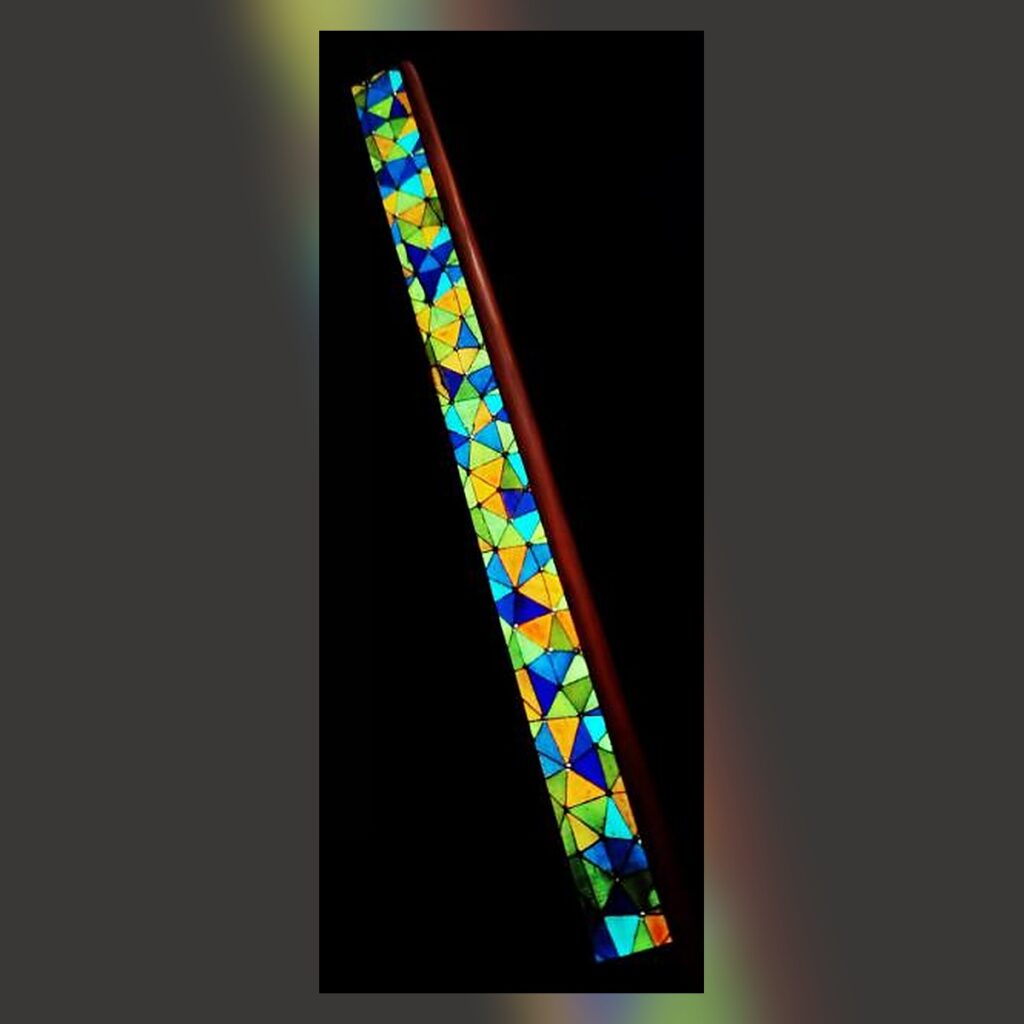
For a question about the Thousand Nights Ruler, sharing the product page is a straightforward way to identify the item. The photograph below is its existing product image. It identifies a listing; it does not establish a custom specification or an agreement about how an object will be used.
If your screenshot includes someone else’s messages, ask before passing their words along. Better still, describe your own practical question without forwarding their conversation. Removing a name does not necessarily make a message anonymous: dates, circumstances and distinctive wording can still identify its author. Our consent and communication guide offers a broader starting point for keeping choices voluntary.
Distinguish a request for information from approval
A screenshot of an option should not have to carry your entire meaning. Add a short sentence such as, “I am asking about this option, not confirming an order.” If something is undecided, say so directly. Clear wording helps prevent a useful reference image from being mistaken for a final instruction.
Send only the information needed at that stage. Never include a password, payment security code or one-time login code in a product enquiry. If a reply asks for information you did not expect to provide, pause and verify the channel and purpose before continuing.
Review the attachment once more
Before sending, check that you selected the edited copy rather than the original. Read the message alongside it: does the question still make sense, and is any essential context missing? Privacy does not mean making a request impossible to answer. It means sharing relevant information deliberately, while keeping unrelated details under your control.