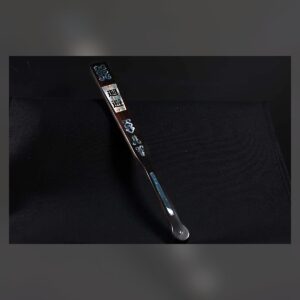
When asking about a particular design, send its published SKU together with the product name and exact listing link. A photograph or a shared word such as Fan can leave the item unclear. The code helps identify the listing; it does not fill in missing specifications or select an option for you.
Imagine a hypothetical buyer comparing two open tabs, then returning later with a saved photograph. Both names contain Fan, but the buyer only remembers one short code. Matching that code to the original listing is more useful than guessing which design the photograph resembles.

Copy the name, SKU and link as one reference
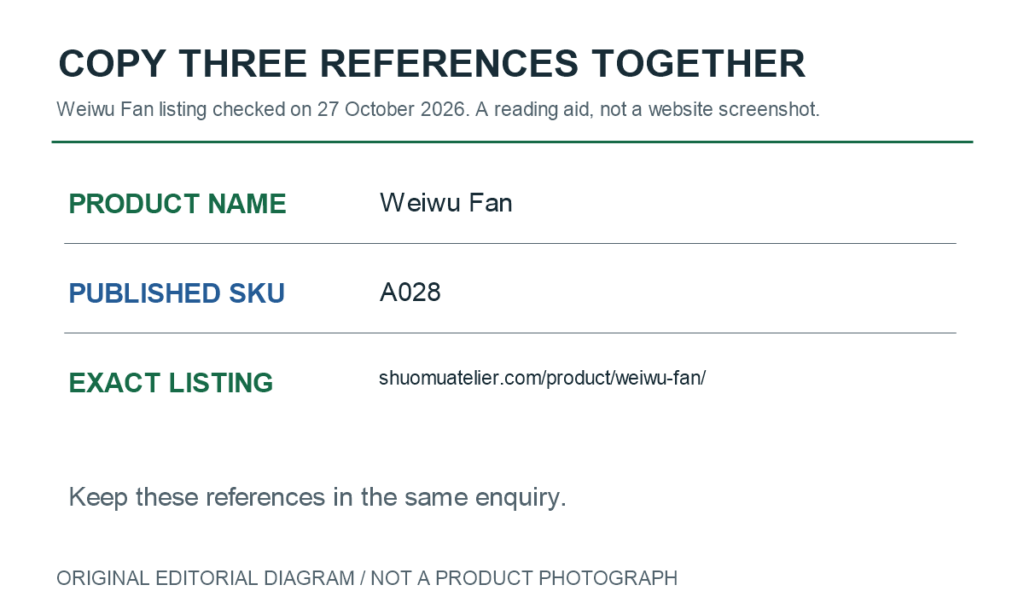
SKU means stock keeping unit: a product reference code. On 27 October 2026, the Weiwu Fan listing showed SKU A028. Copy both the letters and numbers as displayed. Keep the full name beside the code and copy the product page’s address rather than a search-results or collection address.
A useful first line is: “My question concerns Weiwu Fan, SKU A028,” followed by its link. That identifies the item without requiring someone to reconstruct your browsing history. If you cannot find a code, use the full product name and link; do not invent one from an image filename.
Similar names can identify separate designs
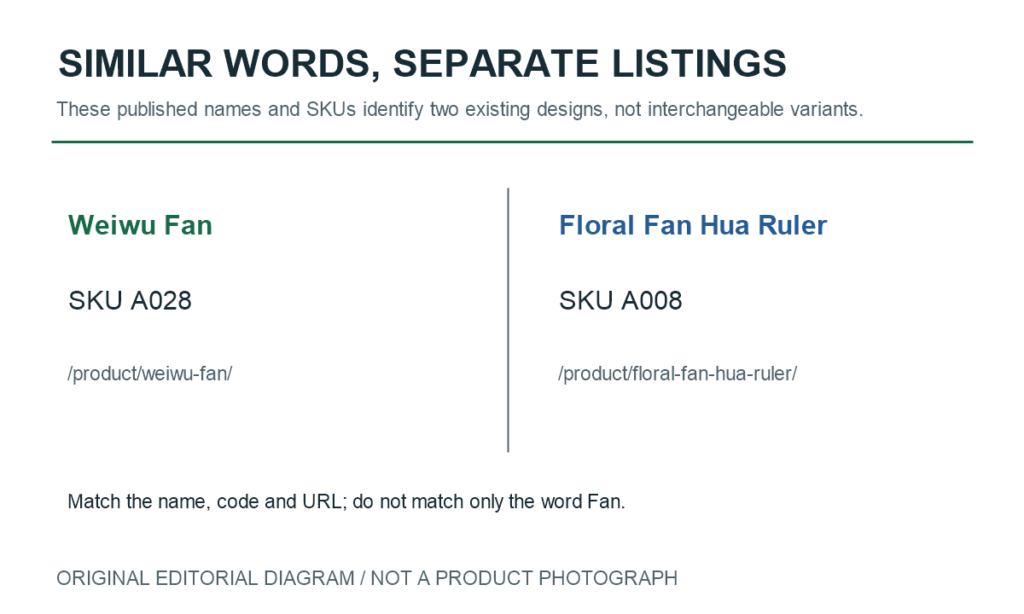
The Floral Fan Hua Ruler listing showed SKU A008 on the same date. A008 and A028 refer to these two separate product listings. The shared word Fan does not make them alternative names for one item, nor does it establish that their materials or dimensions match.
Read the entire code, not just its last digit. If your saved note says A008 but the open page says A028, stop and return to the intended listing before asking a question or adding an item. Treat the discrepancy as unresolved rather than silently choosing whichever photograph looks familiar.
Keep a selected option alongside the product code
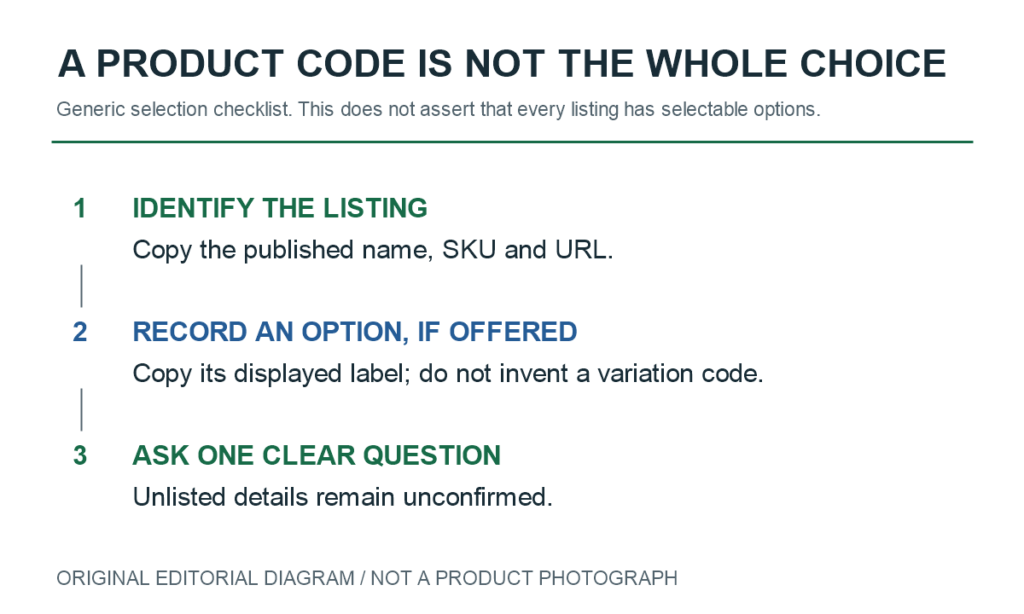
Where a listing offers a selector, record the displayed option label as well. A product-level SKU alone should not be treated as confirmation of a particular colour, size or style. Only copy a variation code if the page actually shows it; do not construct one by adding a size or colour to the product code.
This is a reading method, not a claim that every product has selectable variants. For a listing without options, ask about the existing design shown. ShuoMu Atelier does not accept new custom sizes, material changes, engraving or redesigned versions. An enquiry identifies what is already offered; it is not a request to create another version.
Use the reference to ask a precise question
After identifying the item, state the detail you need confirmed: for example, “For Weiwu Fan A028, which part does each listed dimension describe?” That is a question about published information, not an assertion about an unconfirmed measurement. Review the before-you-order checklist for other details that may need clarification.
A SKU does not prove current availability, a delivery date or a care method. Keep those answers separate. For an existing purchase, an order reference serves a different purpose; provide it privately when needed rather than replacing the product identifier with it in a general product question.
Identify the listing first, then resolve the missing detail. A clear reference makes the question narrower without pretending the answer is already known.
Product & Order Questions
Questions about a listed product or an existing order? Contact ShuoMu Atelier on WhatsApp.
WhatsApp: +63 965 401 5278